Documentation Index
Fetch the complete documentation index at: https://anaconda.com/docs/llms.txt
Use this file to discover all available pages before exploring further.
Anaconda Platform
7.0.0 is available through a limited early access program. Contact your Anaconda Technical Account Manager (TAM) if you’re interested in adopting the latest version.Signing in
To log in to your instance of Anaconda Platform:-
Open a browser and navigate to
https://<FQDN>where<FQDN>is the fully qualified domain name for your Anaconda Platform instance. -
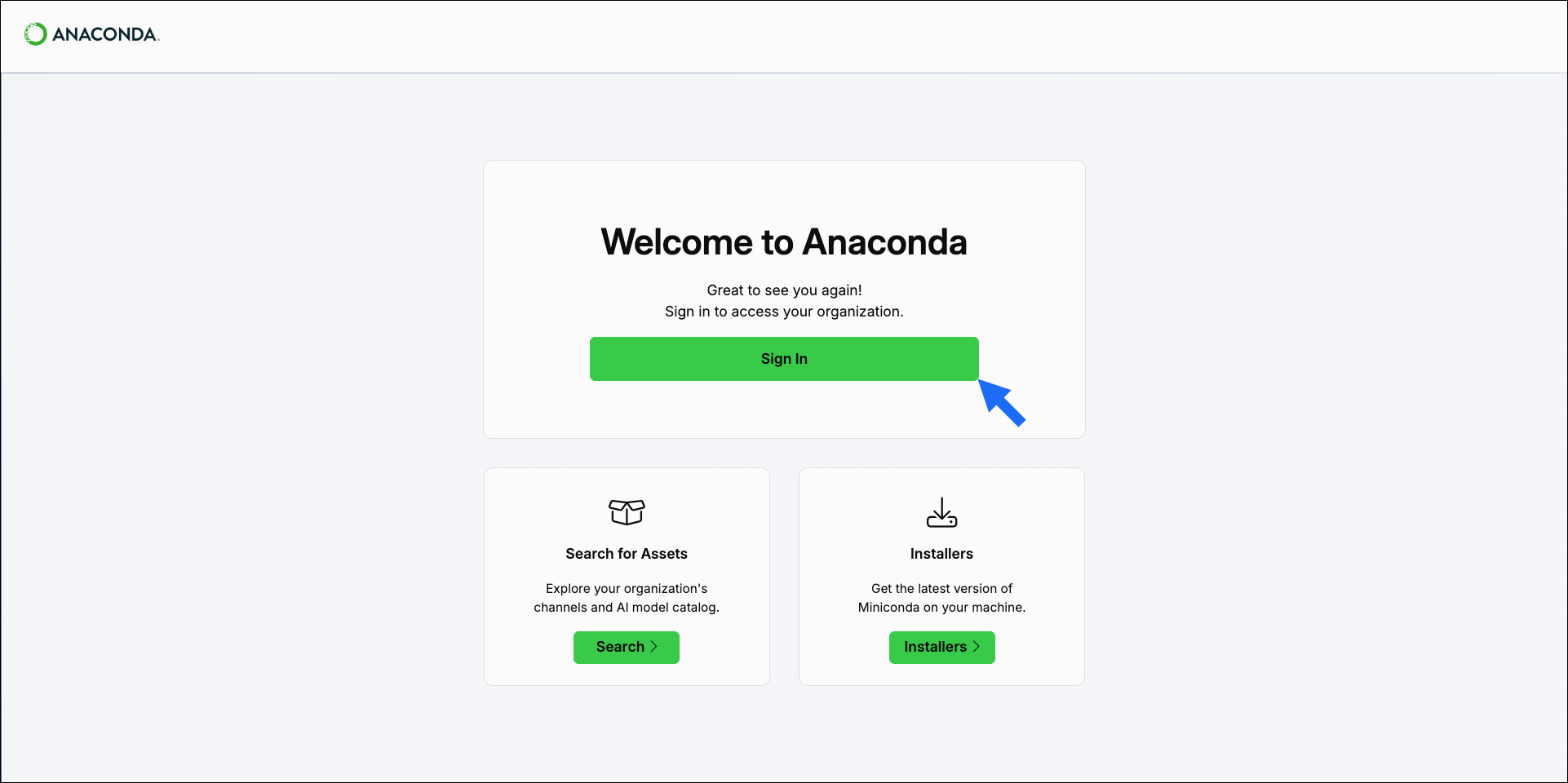
Select Sign In.
-
Sign in with your Anaconda account credentials.
If an IDP (Identity Provider) has been set up for your instance of Anaconda Platform, select Authenticate with IDP instead.
Signing out
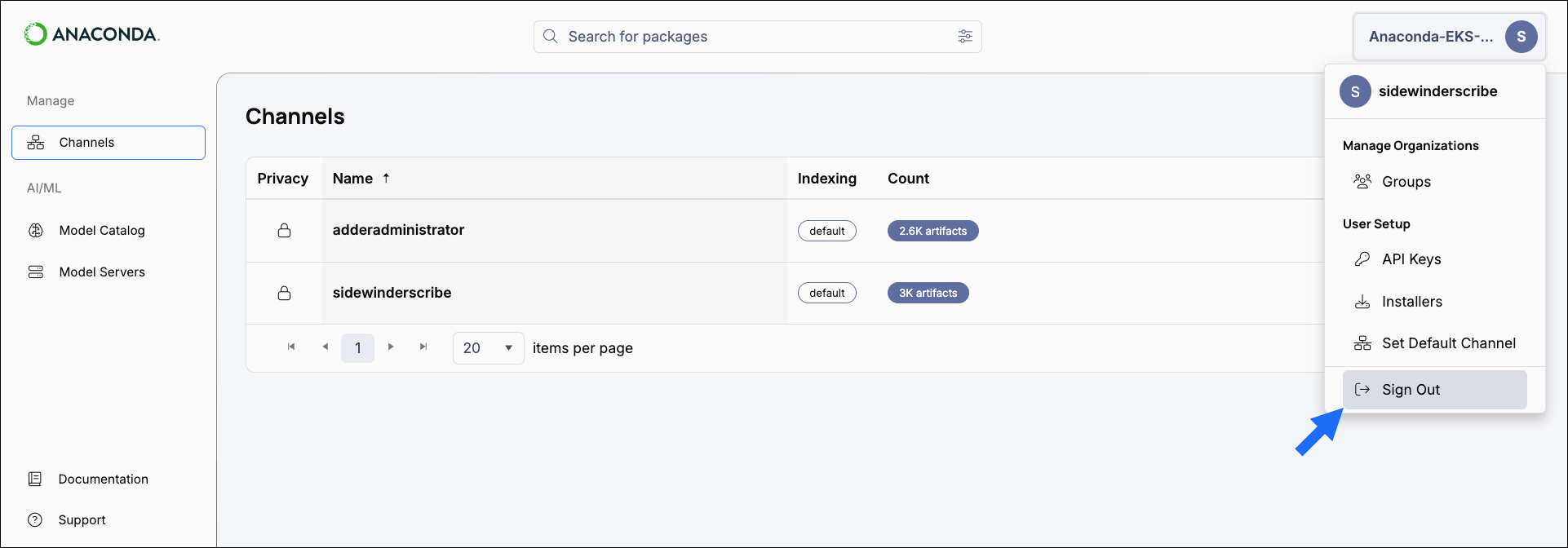
To sign out of Anaconda Platform, open the user dropdown and select Sign Out.