

Download an artifact report if you need to know which of your users are downloading packages, what those packages are, what CVEs are associated with those packages, and when it was downloaded. To download an artifact report:Documentation Index
Fetch the complete documentation index at: https://anaconda.com/docs/llms.txt
Use this file to discover all available pages before exploring further.
- Log in to Package Security Manager.
- Select System from the left-hand navigation.
-
Click Artifact Report Download.
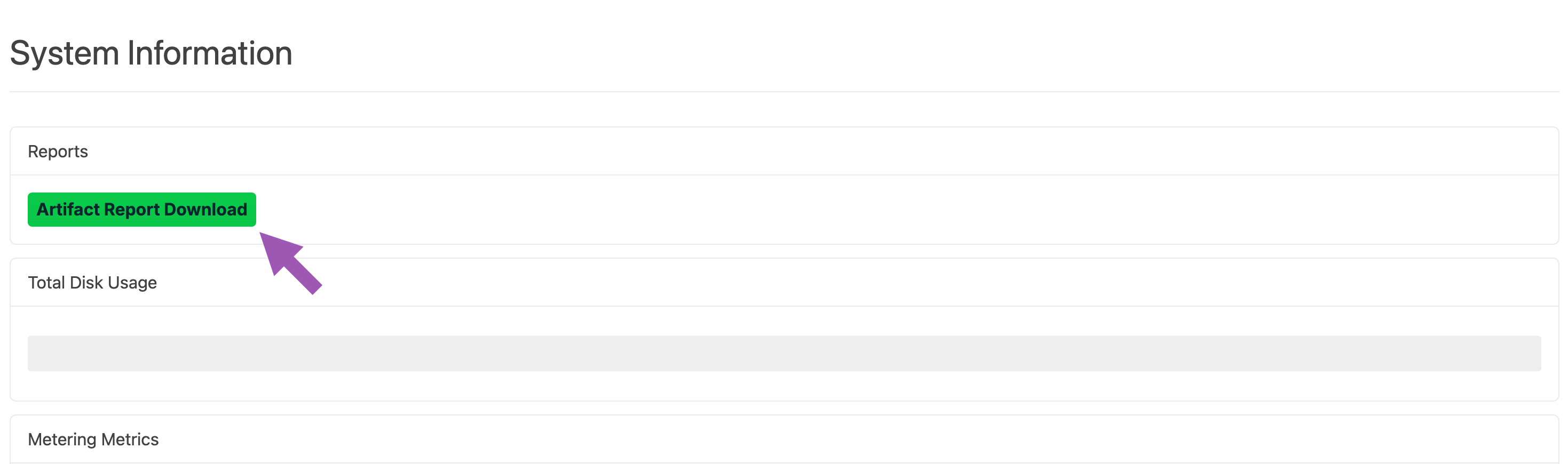
-
Enter a date range for your artifact report.
The maximum range is one year.
-
Select a format for your report output. Available outputs are
.csvand.json. - If necessary, specify a for your report.
-
If necessary, specify a user for your report.
Leave these fields empty to download a report for all channels and all users.
- Click Download.
Obtaining additional metrics
To include information about environment, hostname, and host username in your artifact report, your end users must install theanaconda-ident package in their base conda environment, then configure it to provide this information. Please reach out to your Technical Account Manager (TAM) or Anaconda support group for assistance with installing and configuring the anaconda-ident package.
This additional information is currently only available for reporting on conda packages.