

Connect from the contextual menu
The Copy MCP install command button in the contextual menu provides a one-line setup command: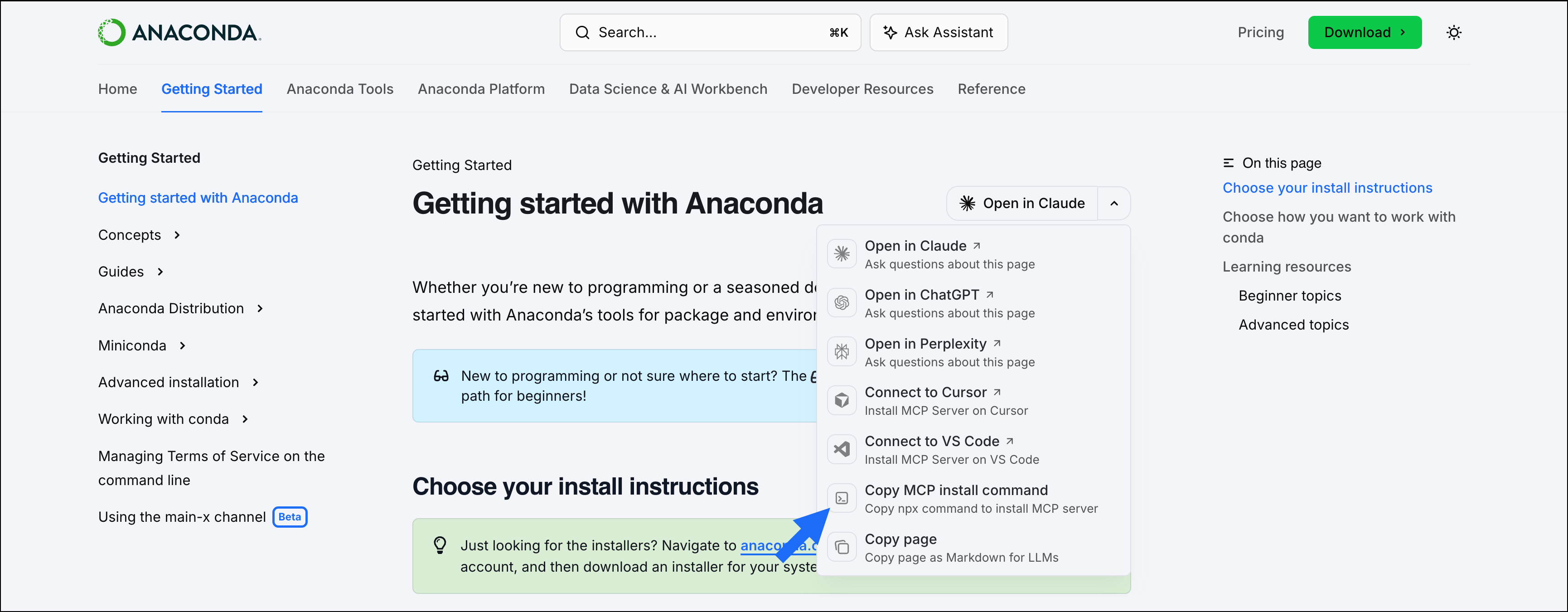
Manual setup
- Claude
- Claude Code
- Cursor
- VS Code
- Open Claude or Claude Desktop.
- In the left-hand navigation, select Customize, then select Connectors.
-
Click Add connectors, then Add custom connector.
Organization-level settings might prevent you from adding custom connectors.
-
Enter
Anaconda Docsas the name andhttps://www.anaconda.com/docs/mcpas the remote MCP server URL. - Click Add.