

Package Security Manager is a browser-based software application that is hosted within your organization’s servers and is configured with a custom fully qualified domain name (FQDN).Documentation Index
Fetch the complete documentation index at: https://anaconda.com/docs/llms.txt
Use this file to discover all available pages before exploring further.
Logging in
To log in to your instance of Package Security Manager:-
Open a browser and navigate to
https://<FQDN>(orhttp://<FQDN>if you are not using SSL) where<FQDN>is the fully qualified domain name for your designated instance of Package Security Manager. -
Click Login.
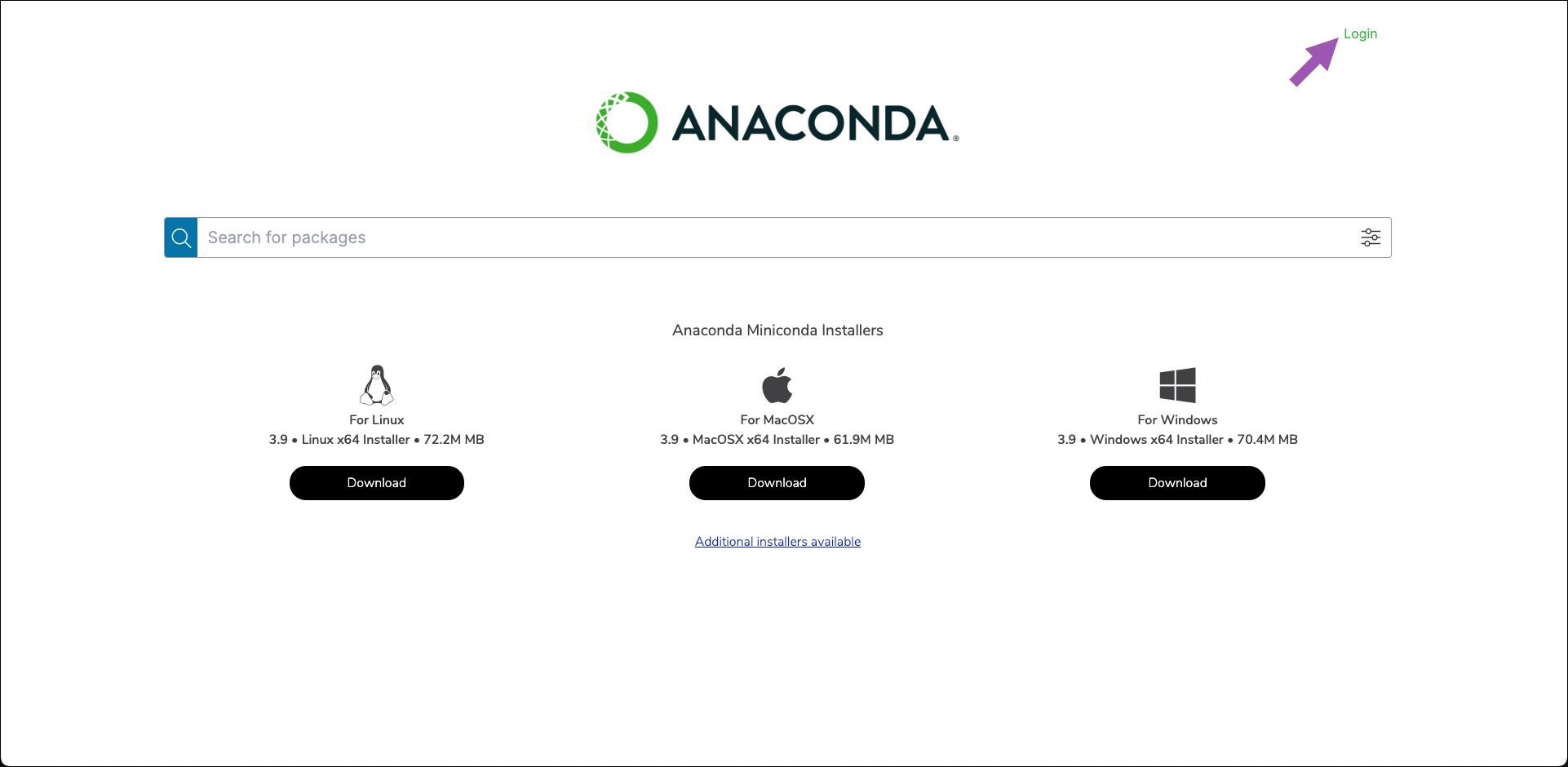
- Log in with your assigned credentials.
If IDP (Identity Protection) has been set up for your instance of Package Security Manager, you might need to click on a third party link (such as GitHub) to complete the login process instead.
Logging out
You can log out of Package Security Manager at any time by clicking Logout in the upper-right corner.