Documentation Index
Fetch the complete documentation index at: https://anaconda.com/docs/llms.txt
Use this file to discover all available pages before exploring further.
Anaconda Platform
7.0.0 is available through a limited early access program. Contact your Anaconda Technical Account Manager (TAM) if you’re interested in adopting the latest version.Viewing audit logs
To view your audit logs, open the user dropdown menu and select Audit Logs. Use the controls at the bottom of the page to navigate between pages of events and change how many items are displayed per page.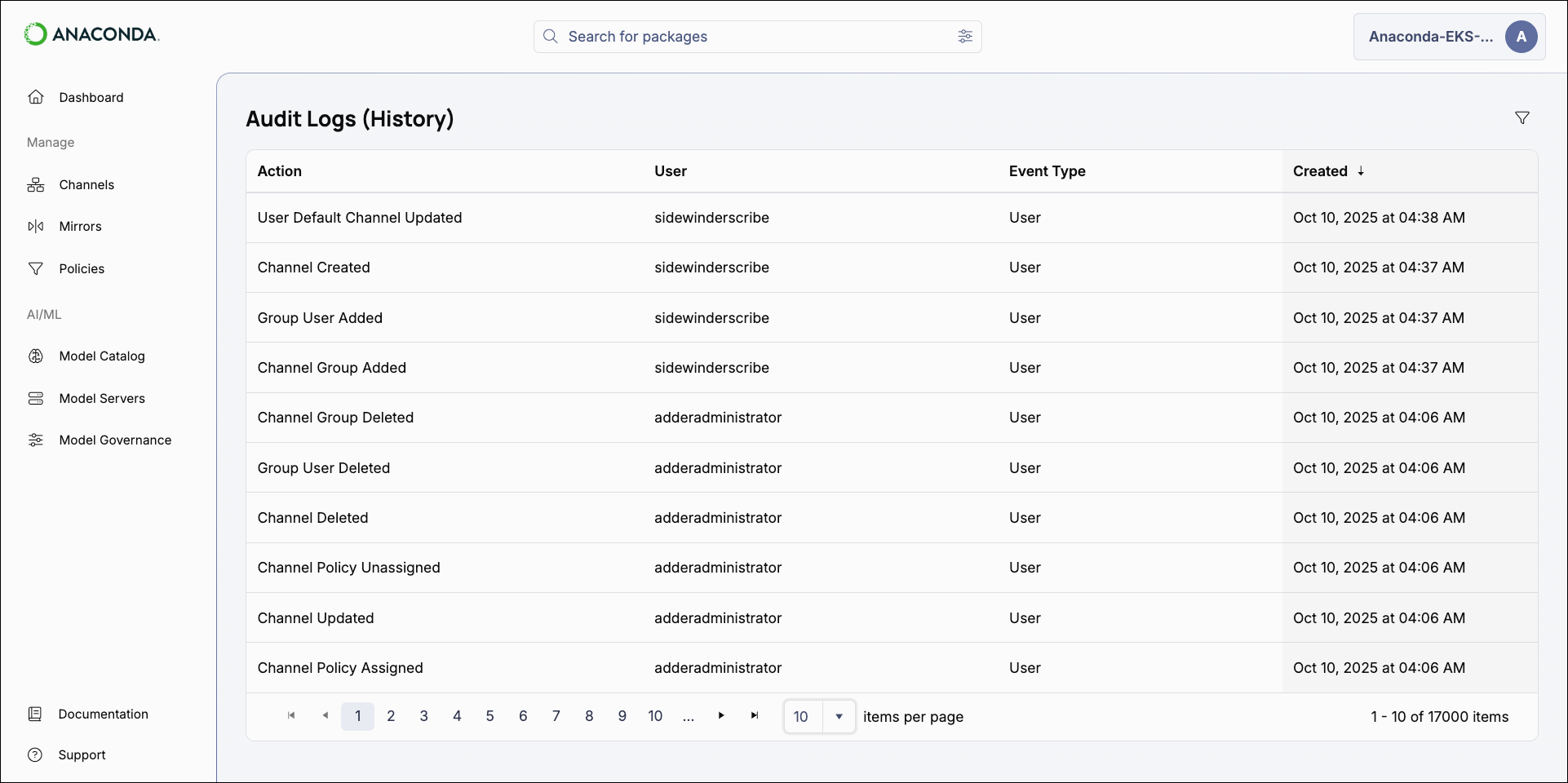
Actions captured by system history
Actions captured by system history
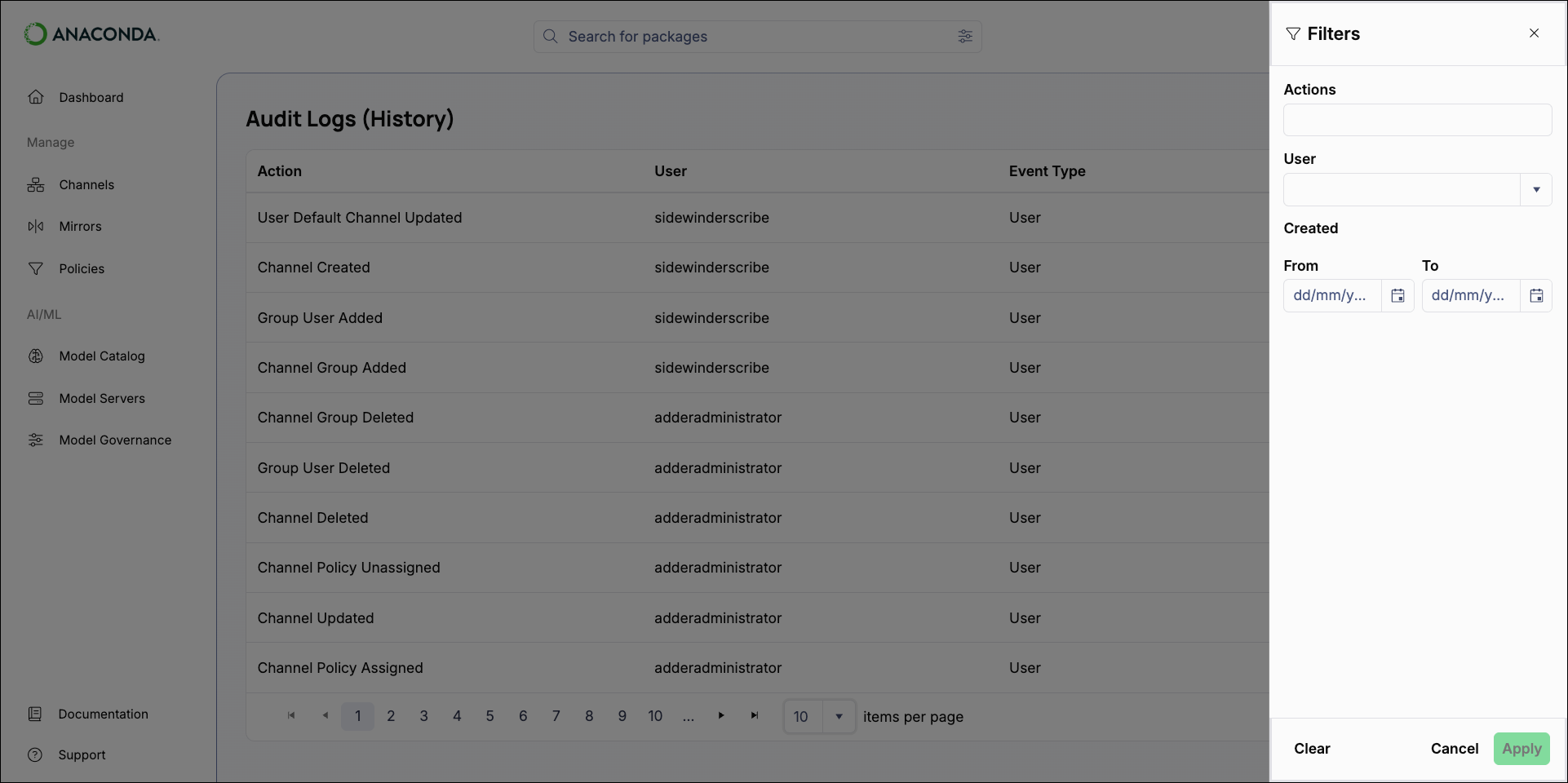
Filtering audit logs
Apply filters to the audit logs to view relevant events. Select the filter button to open the Filters pane.