

The Files tab on a package’s details page lists the available archive files for that package. From this page, you can search and filter the file list to find a specific file, then download it directly.

Downloading package files

To download a package file, select Download in the Actions column. This downloads the archive file (.tar.bz2, .conda, .whl) for the package.
Downloading a package file does not install it into an environment. For information on how to install packages using Anaconda Navigator or conda, see Installing packages.

Locating a package file

You can search for a specific package file by entering information such as its name, architecture, build, or version number in the Search files box. Select the info icon beside a file name to view detailed metadata for the selected package file.
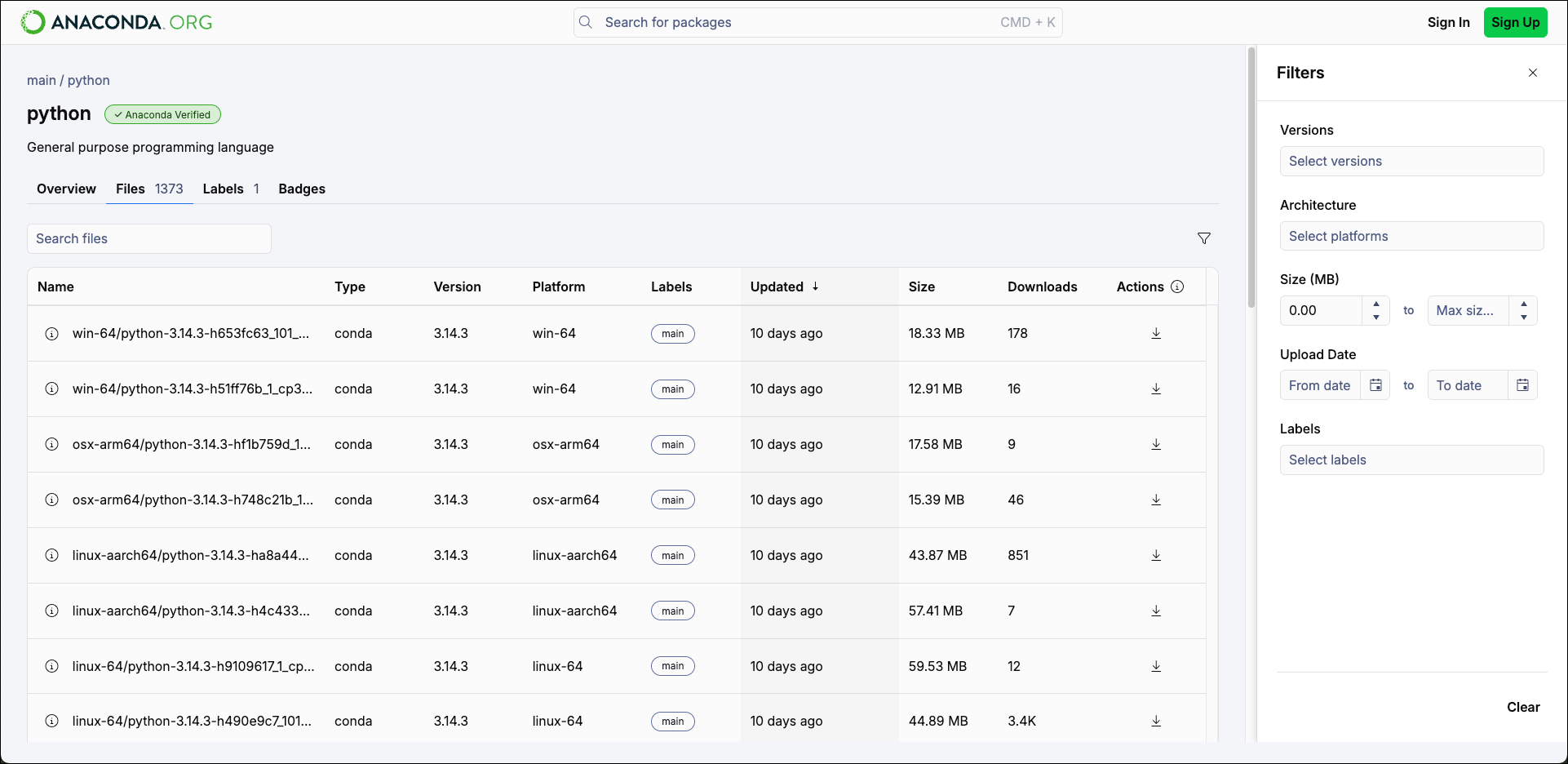
An overview of the package file list and filters for the Python package in Anaconda.org
Select the filter icon to filter the package lists by the following criteria: Select Clear to clear any filter changes.