

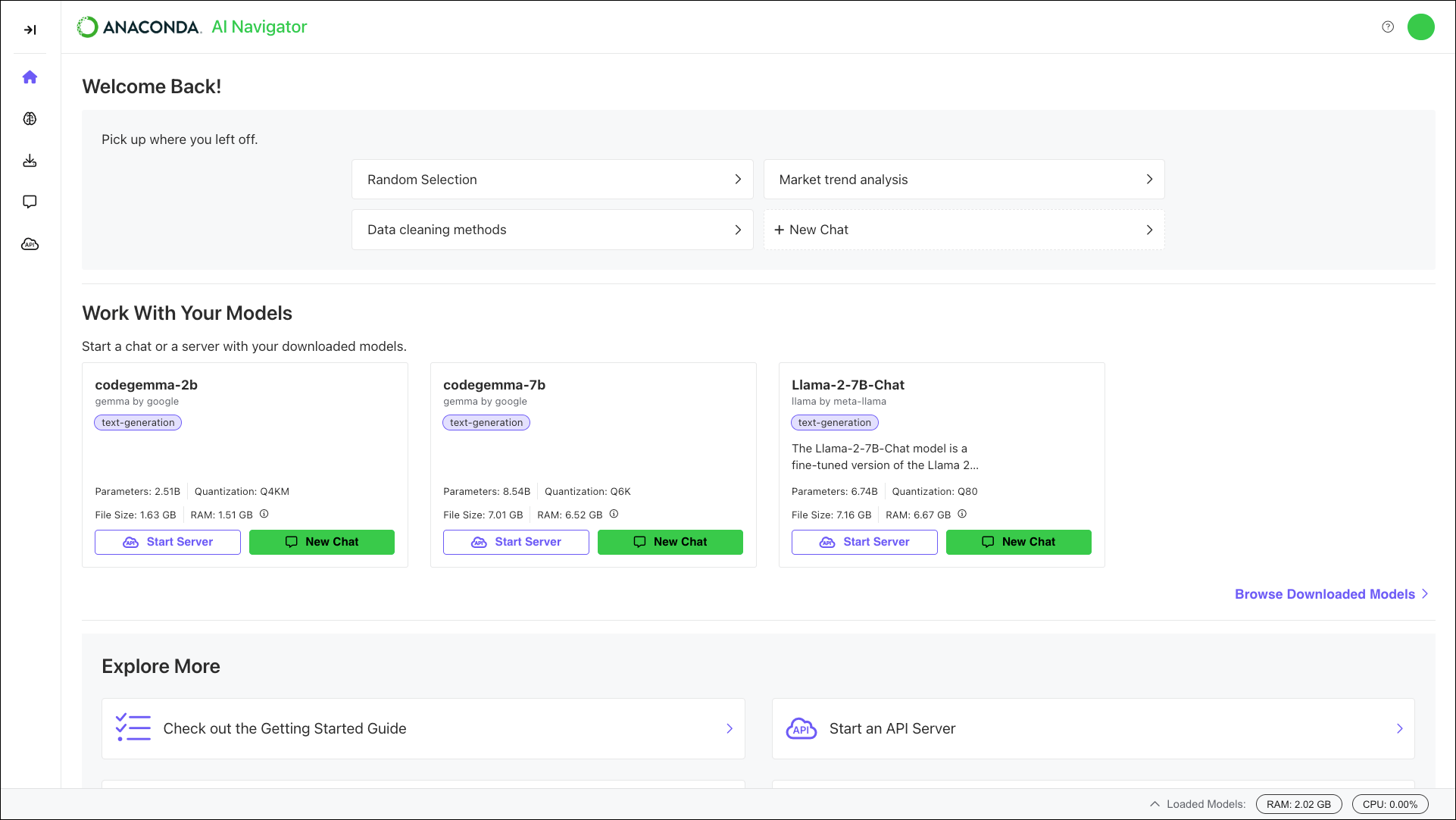
Anaconda AI Navigator
Anaconda AI Navigator provides a comprehensive solution for downloading and interacting with powerful Large Language Models (LLMs) directly on your computer. For AI application and agent developers, Anaconda AI Navigator provides a built-in llama.cpp API server, enabling you to thoroughly test LLMs against applications you’ve already built. Evaluate all of the latest models in Anaconda’s curated index of trusted models to find the one that best fits your needs!
By running models locally, you maintain total control over your personal and proprietary information, eliminating the need for external servers.