Documentation Index
Fetch the complete documentation index at: https://anaconda.com/docs/llms.txt
Use this file to discover all available pages before exploring further.
This page is no longer maintained, and may be out of date.
These instructions refer to Anaconda Distribution exclusively, but will also work with Miniconda.
- Download Package control.
- Open the Sublime Text command palette by pressing Ctrl+Shift+P (Windows, Linux)/Cmd+Shift+P (Mac).
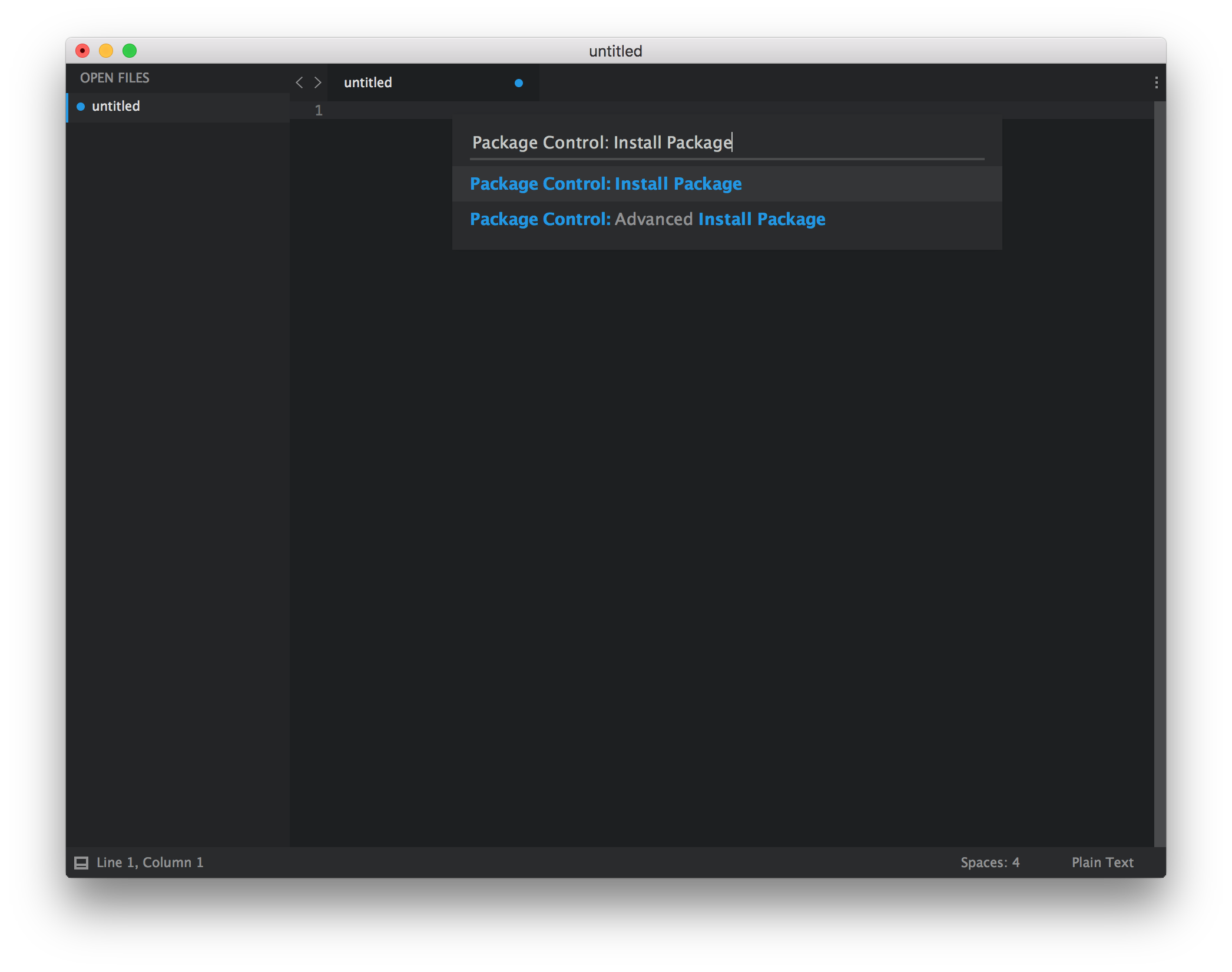
- All Package Control commands begin with “Package Control:”. Start by typing “Package”.
-
Select “Package Control: Install Package”.
-
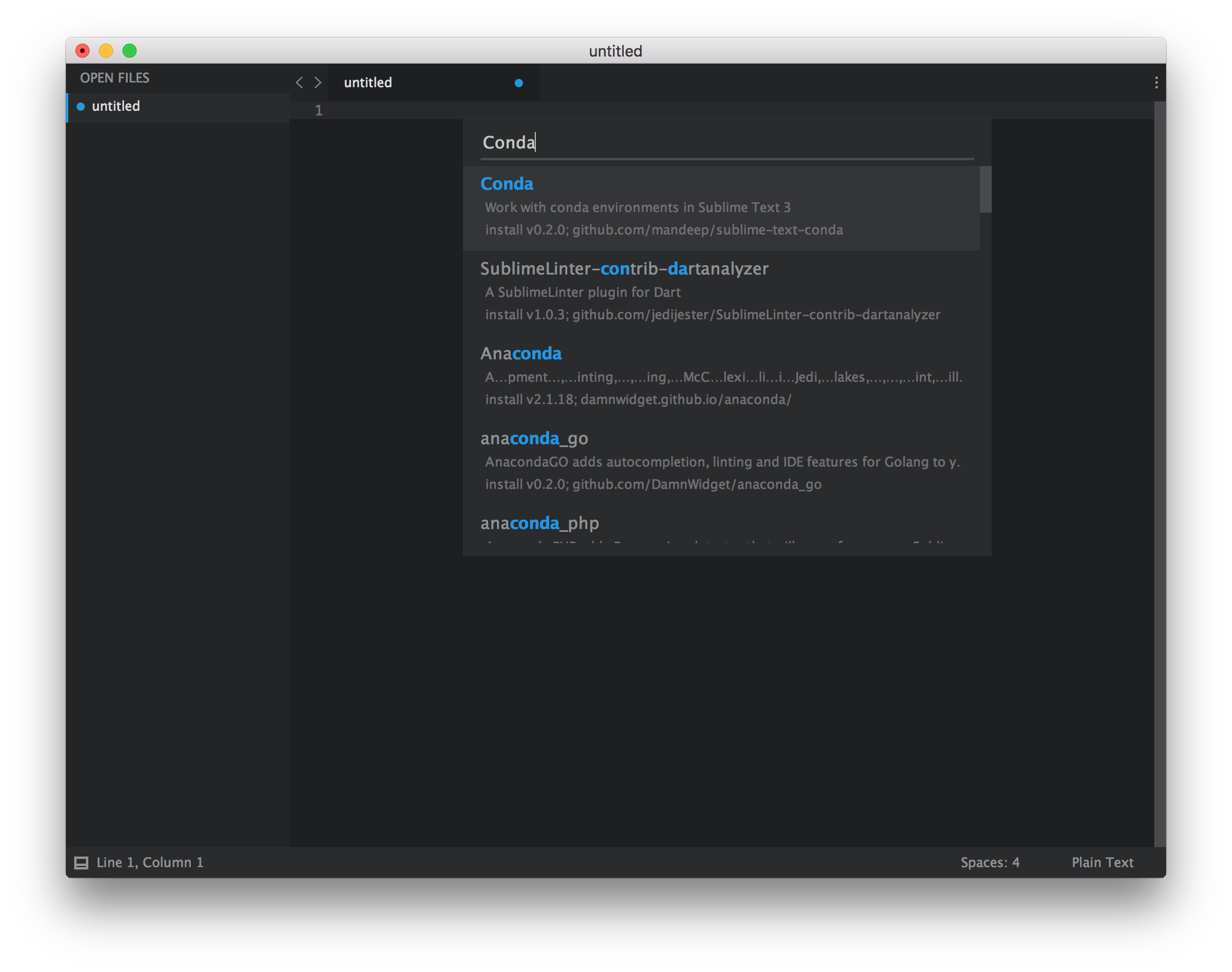
Search for conda in the command palette and select the conda plugin.
When the plugin is installed, a Package Control Message will open in the Sublime Text window.
-
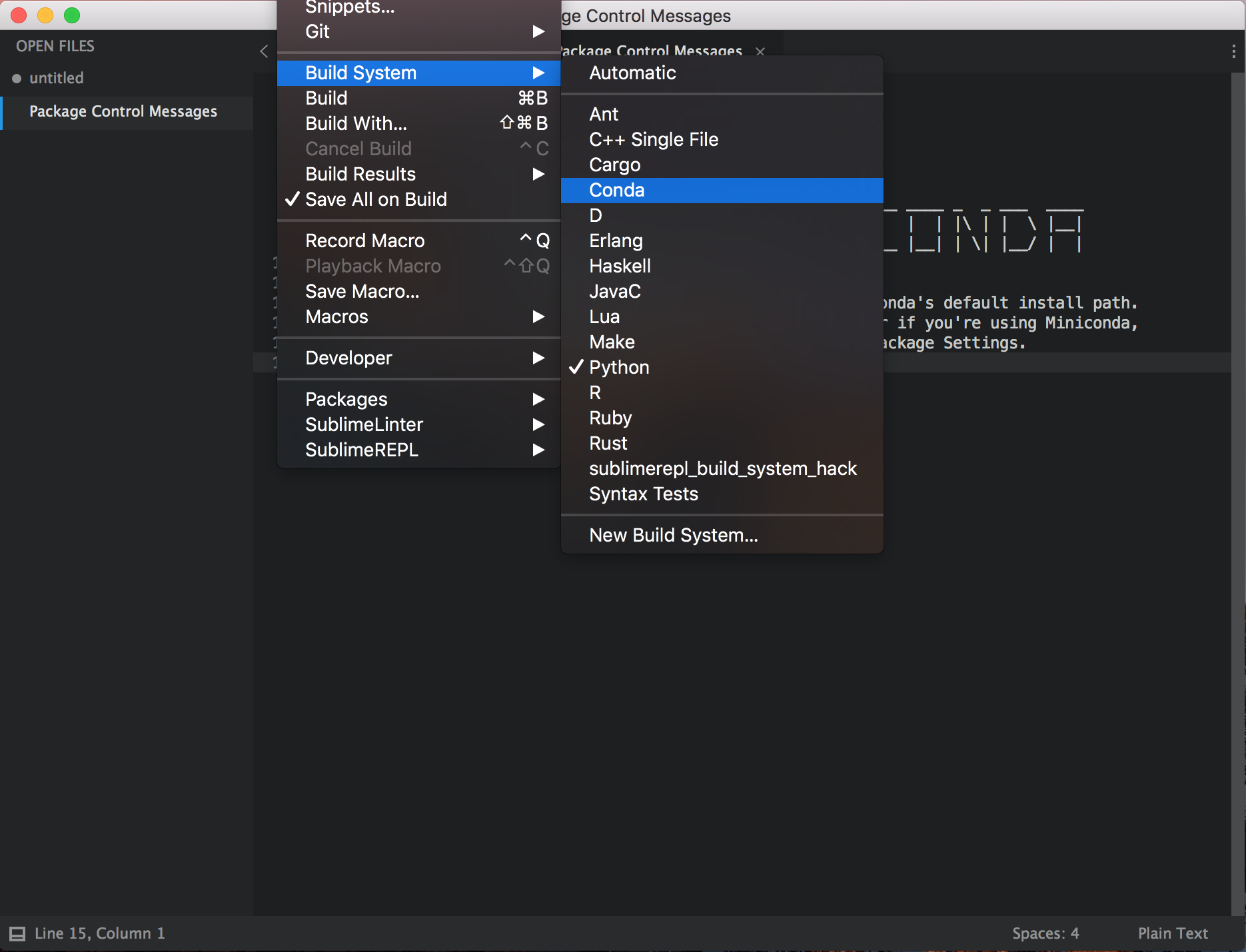
Change the current Build System to conda by accessing Tools -> Build System -> Conda in the menu bar.
-
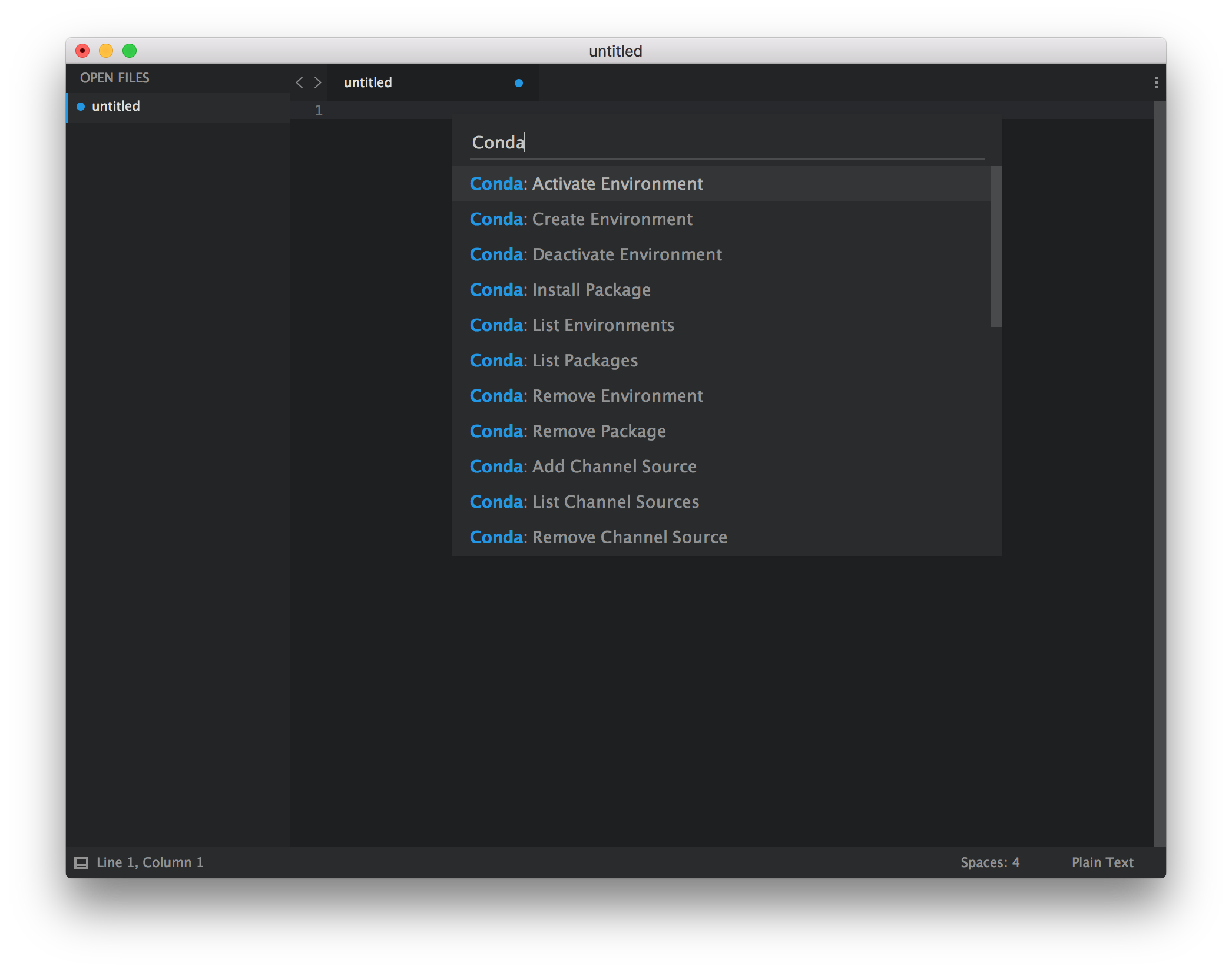
Access the conda Commands with the Command Palette by searching for conda.