> ## Documentation Index
> Fetch the complete documentation index at: https://anaconda.com/docs/llms.txt
> Use this file to discover all available pages before exploring further.
# Upgrading Workbench
The process of moving from one version of Data Science & AI Workbench to another varies slightly, depending on which version you are migrating to and from, so follow the instructions that correspond to your Workbench implementation.
* If you’re moving from an implementation of Anaconda Enterprise 4 to Workbench, we consider that a *migration*.
* If you’re moving between point releases of the same version, we consider that an *upgrade*.
Migrating between major releases of Workbench requires administrators to [migrate the package repository](/docs/data-science/latest/admin/advanced/ae-migrate#exporting-packages) and project owners to [migrate their notebooks](/docs/data-science/latest/admin/advanced/ae-migrate#migrating-anaconda-enterprise-4-notebook-projects).
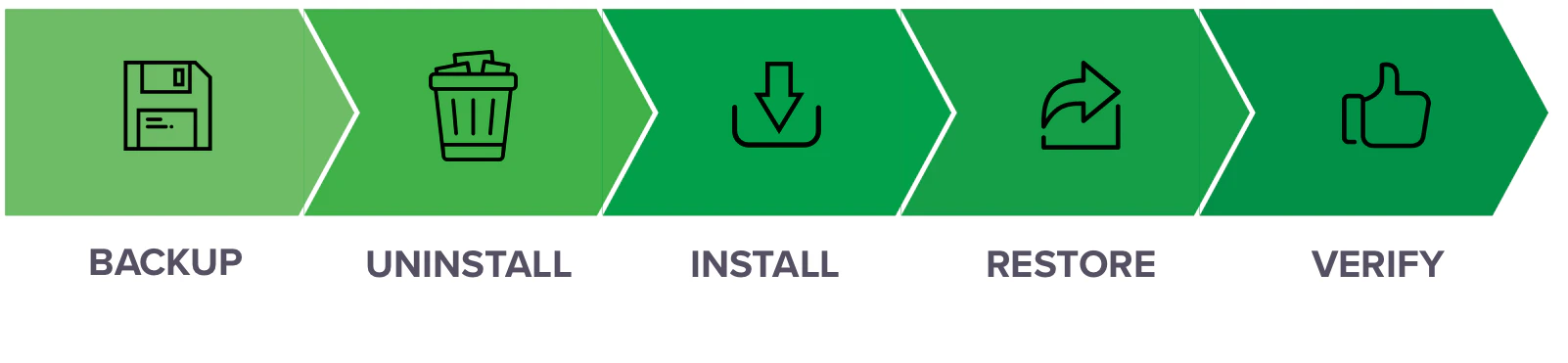
Upgrading Workbench generally involves exporting or backing up your current package repository and all project data, uninstalling the existing version and [installing](../main) the newer version, then importing or restoring this information on the new platform.